Windows Terminal

Customize My WIndows Terminal Please?

Customize My WIndows Terminal Please?

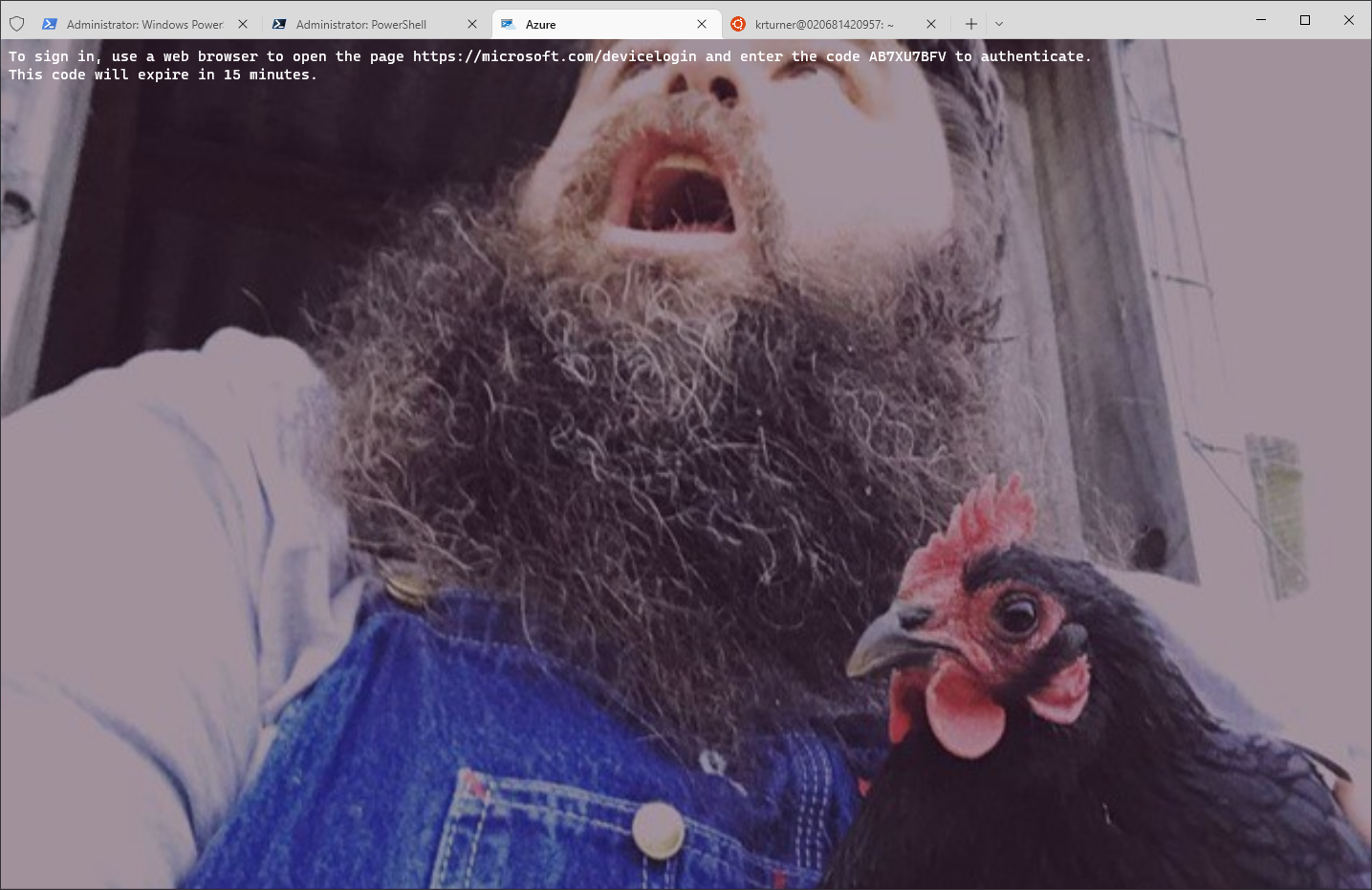
My favorite Windows Terminal customizations

Since I recently re-did a blog about how to install Windows Terminal I wanted to write a quick blog on some of my favorite customizations that I do for my Windows Terminal.

The three areas I always change are:

  1. Open As Admin
  2. Always on Top
  3. Backgrounds for each profile. (ie, PowerShell, Azure Cloud, Ubuntu, etc).

So how exciting is it to look at this all day?

Well, a few clicks here and a few clicks there can have your Windows Terminal looking a little more like yourself or at least a little like your own taste?

Enable Windows Terminal on Windows Servers

Enable Windows Terminal on Windows Servers

Early this year I had written a blog talking about how to enable Windows Terminal on Windows Server. However, I deleted that blog and all content and can’t find my backups so I am re-writing it once again. I wanted to share my experience with installing Windows Terminal on Windows Server and what I had to do to get around the blockers I ran into. As I mentioned in the last blog I had ran into issues that other bloggers never seemed to run into when installing Windows Terminal.