Beyond the Cloud: 2025 Virtualization Licensing Guide - Part II

Beyond the Cloud: 2025 Virtualization Licensing Guide - Part II

Virtualization licensing just got complicated. With VMware's Broadcom acquisition driving 3x cost increases and Microsoft introducing new subscription models, IT leaders need a clear roadmap. This blog provides the analysis and insights you need to make informed decisions that align with your budget and strategy.

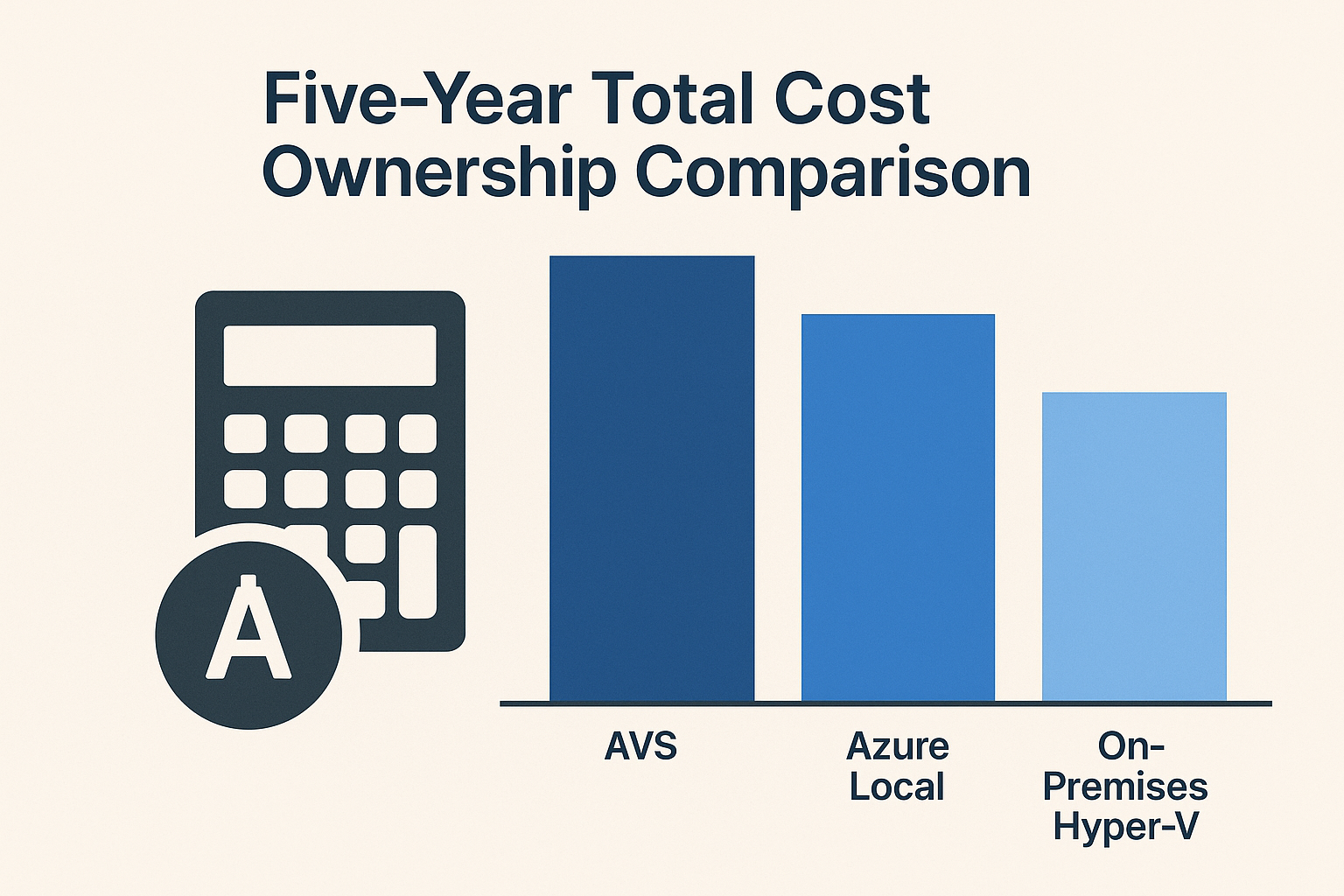
Welcome to Part 2 of our “Beyond the Cloud: The Case for On-Premises Virtualization” series. In our introductory post, we explored why organizations are reconsidering their virtualization strategies post-VMware acquisition. In Part 1, we conducted a detailed five-year Total Cost of Ownership (TCO) analysis comparing Windows Hyper-V, Azure VMware Solution (AVS), and Azure Local, revealing how different cost structures impact long-term budgets.

A key factor driving those cost differences was how each platform’s licensing model works. In this follow-up, we will demystify the various licensing models – per core, per socket, and per subscription – and compare how Windows Server 2025 (which reached General Availability in November 2024), Azure Local (formerly “Azure Stack HCI”), and VMware (both on-premises and via Azure VMware Solution) handle licensing. Our goal is to highlight not just the pricing structures, but also where hidden costs can lurk beyond the base license. The tone remains practical and evaluative: this isn’t about picking winners as much as helping IT directors and solution architects understand the financial and operational implications of each model.
Beyond the Cloud: CapEx vs Subscription TCO Analysis - Part I

Beyond the Cloud: CapEx vs Subscription TCO Analysis - Part I

Which stack is cheapest over five years for a 100 VM footprint? A detailed TCO analysis of Hyper-V, Azure VMware Solution, and Azure Local.

Introduction

In our previous blog post, we explored why organizations are reconsidering their virtualization strategy post-VMware and highlighted the often-overlooked value of Windows Server Failover Clustering with Hyper-V. Now, in this first follow-up post of the "Beyond the Cloud: The Case for On-Premises Virtualization" series, we dive into the financial side of that decision. Specifically, we will compare the five-year Total Cost of Ownership (TCO) for three possible platforms to run a 100-Virtual Machine (VM) workload:

Powerful, Practical, Proven: Why WSFC and Hyper‑V Deserve a Second Look

Powerful, Practical, Proven: Why WSFC and Hyper‑V Deserve a Second Look

Virtualization is a cornerstone of modern IT infrastructure, and while VMware vSphere has long been a leader, Microsoft's Windows Server Failover Clustering with Hyper-V offers a compelling alternative for organizations seeking cost-effective, high-performance virtualization.

Why Choose Windows Server Failover Clustering (WSFC) with Hyper‑V Over VMware

Virtualization is a cornerstone of modern IT infrastructure, and VMware vSphere has long been a leader in this space. However, Microsoft’s Windows Server Failover Clustering (WSFC) with Hyper‑V offers a compelling alternative for organizations seeking a cost-effective, high-performance virtualization platform. In this post, targeted at IT professionals, we’ll explore why WSFC with Hyper‑V is a strong alternative to VMware – emphasizing the ability to leverage existing hardware (reducing new hardware costs), the performance benefits of Hyper‑V, available management tools, feature comparisons with VMware, and a look at licensing and cost differences.

Beyond the Cloud: Rethinking Virtualization Post-VMware

Beyond the Cloud: Rethinking Virtualization Post-VMware

How Hyper-V with Windows Server Clustering Stays Relevant in an Azure-First World

From My Perspective as a Microsoft Azure Hybrid MVP – Two Decades in Microsoft Hybrid & HCI

I write this blog as a longtime Microsoft advocate with two decades of hands-on experience—from early Hyper-V in 2008 to today’s Azure Local. This series aims to highlight the potential of Windows Server Failover Clustering (WSFC) as a viable alternative for organizations transitioning away from VMware, especially in light of Broadcom’s acquisition. While I value Azure’s Cloud and Hybrid offerings, I believe Microsoft’s current messaging overlooks WSFC’s capabilities in providing cost-effective, high-availability solutions. Through this blog, I intend to shed light on WSFC’s strengths and advocate for its consideration in modern IT infrastructures.

Choosing A Windows Clustering Strategy in 2025

Choosing A Windows Clustering Strategy in 2025

Azure Local vs. Traditional SAN Clustering vs. Storage Spaces Direct

Introduction

In modern Windows infrastructure, there are multiple strategies for building highly available clusters. This content, originally published as a blog, was adapted into a presentation for a session at MMS MOA 2025, To Windows Server or Not: The Clustering Question, where the PowerPoint version is available. The session compares three key solutions side-by-side: Azure Local (Azure Stack HCI), Windows Server Failover Clustering with External Storage (traditional 3-tier architecture using SAN/NAS), and Windows Server Failover Clustering with Storage Spaces Direct (S2D). We explore the technical architecture of each, their pros and cons, and strategic considerations. Key factors like cost, scalability, performance, hardware needs, manageability, cloud integration, licensing, and best-fit use cases are analyzed with comparison tables for clarity. A dedicated section on demo scenarios is included to showcase strengths and differences in a lab environment. Finally, we provide a decision framework to guide choosing the right approach based on an organization’s needs.

Secure RDP Access via SSH for Arc VM

Secure RDP Access via SSH for Arc VM

Securely connecting to Azure Arc-enabled servers using RDP over SSH

With Azure Arc-enabled servers, many of us are already familiar with the ability to establish SSH connections to these machines. If this is news to you, here’s something exciting: you can SSH into Windows machines that have been onboarded to Azure Arc! Now, I can imagine security professionals having a moment of concern—yes, you read that right: SSH access to Windows machines onboarded with Azure Arc is possible.

Here’s an even bigger revelation: this applies not only to on-premises machines but also to Azure Arc-enabled servers running on other cloud platforms like AWS and GCP. However, before panic sets in, let me assure you that this functionality is secure and well-architected for safe usage. (Although I’ll admit, I’m not the security expert breaking out in a cold sweat right now!)

Multicloud Connector Enabled by Azure Arc - What The Arc Is it?

Multicloud Connector Enabled by Azure Arc - What The Arc Is it?

Connecting AWS resources to Azure for centralized management and governance

They say peanut butter and chocolate are better together, but have you ever heard anyone say AWS and Azure are better together? How about having a centralized solution to manage both your AWS and Azure resources seamlessly?

Well, I have something exciting to share. It’s not chocolate and peanut butter, but it will definitely make managing resources across a multicloud environment much easier. Let me introduce you to the Multicloud Connector enabled by Azure Arc.

Dell APEX - Create Service Principal and Assign Roles via Azure CLI

Automating the Deployment of Azure Stack HCI Series

There are several key differences when deploying an Azure Stack HCI Cluster using a premier solution like Dell’s APEX Cloud Platform for Microsoft Azure versus using an integrated system. For detailed information about Azure Stack HCI solution categories, please visit Azure Stack HCI Solutions.

One notable difference is the use of a service principal in the cluster deployment for APEX and the necessary Azure roles that need to be assigned. In contrast, integrated systems require deployment through Microsoft Cloud, either via the portal or ARM Templates. When using the portal method, the deploying account must have the appropriate Azure roles assigned. With the ARM Template method, a service principal is required, but the deployment process will assign the necessary roles to that service principal. While access to run the ARM template is still required, the template will handle the rest of the role assignments.

Deploying Azure Stack HCI OS using Canonical MAAS

Deploying Azure Stack HCI OS using Canonical MAAS

Automating the Deployment of Azure Stack HCI Series

There are several methods to deploy an Azure Stack HCI OS Image. You can use solutions like System Center Configuration Manager (SCCM/ConfigMgr), Microsoft Deployment Toolkit (MDT), Windows Deployment Services (WDS), or other Infrastructure as Code (IaC) tools like Terraform and Ansible, with the appropriate configurations. Additionally, Canonical offers a solution called MAAS (Metal-As-A-Service).

Throughout my career, I’ve generally preferred Microsoft solutions for deploying Microsoft Operating Systems, favoring tools like MDT and WDS. However, my current company isn’t a Microsoft-centric environment. Instead, they use Terraform and Ansible for IaC, which I’m not very experienced with, but I’m open to learning.

Establishing an SSH Connection to an Azure Linux VM via Azure Bastion

Establishing an SSH Connection to an Azure Linux VM via Azure Bastion

Playing with the penguin again

With most my blogs, they all start with me trying to do something I have done in the past and have forgotten or with something I have never had to do and now need to do it. So, is the case with this blog. I have never had to worry about establishing an ssh connection to a Linux VM in Azure via Azure Bastion until today.


I want to start this blog by showing how to connect via Bastion using the Azure Portal first. Then move on to how to establish the connection using a native client on our local machine via Azure Bastion.