Onboard a Google Cloud Platform project to Entra Permissions Management
In a previous post I blogged about how to setup Microsoft Entra Permissions Management and onboarding an Microsoft Azure Subscription. In this post I will show how to onboard a Google Cloud Platform project.
First let’s login to the Entra Permissions Management dashboard.
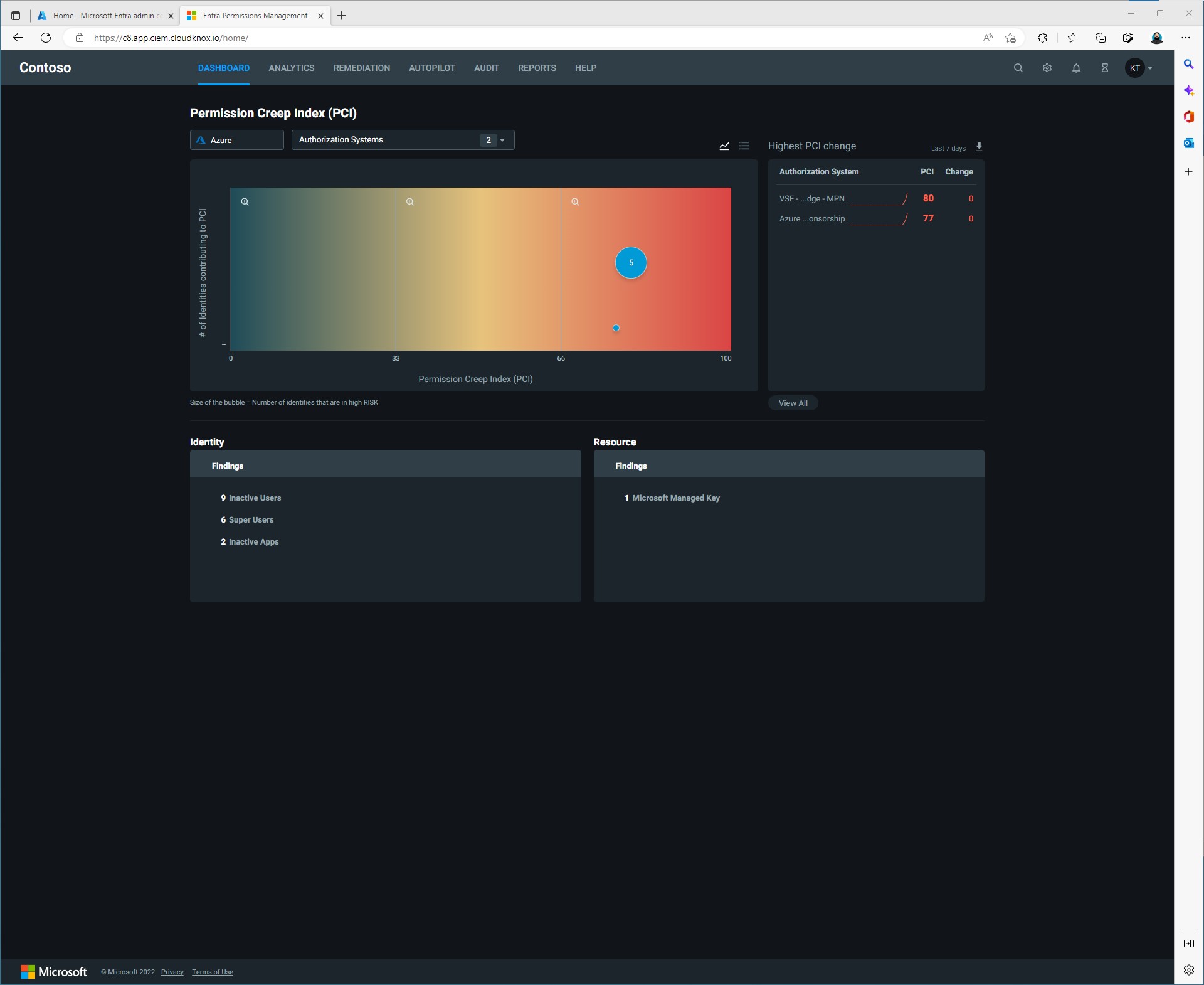
Click on the gear in the top right corner to open up the Data Collectors dashboard.
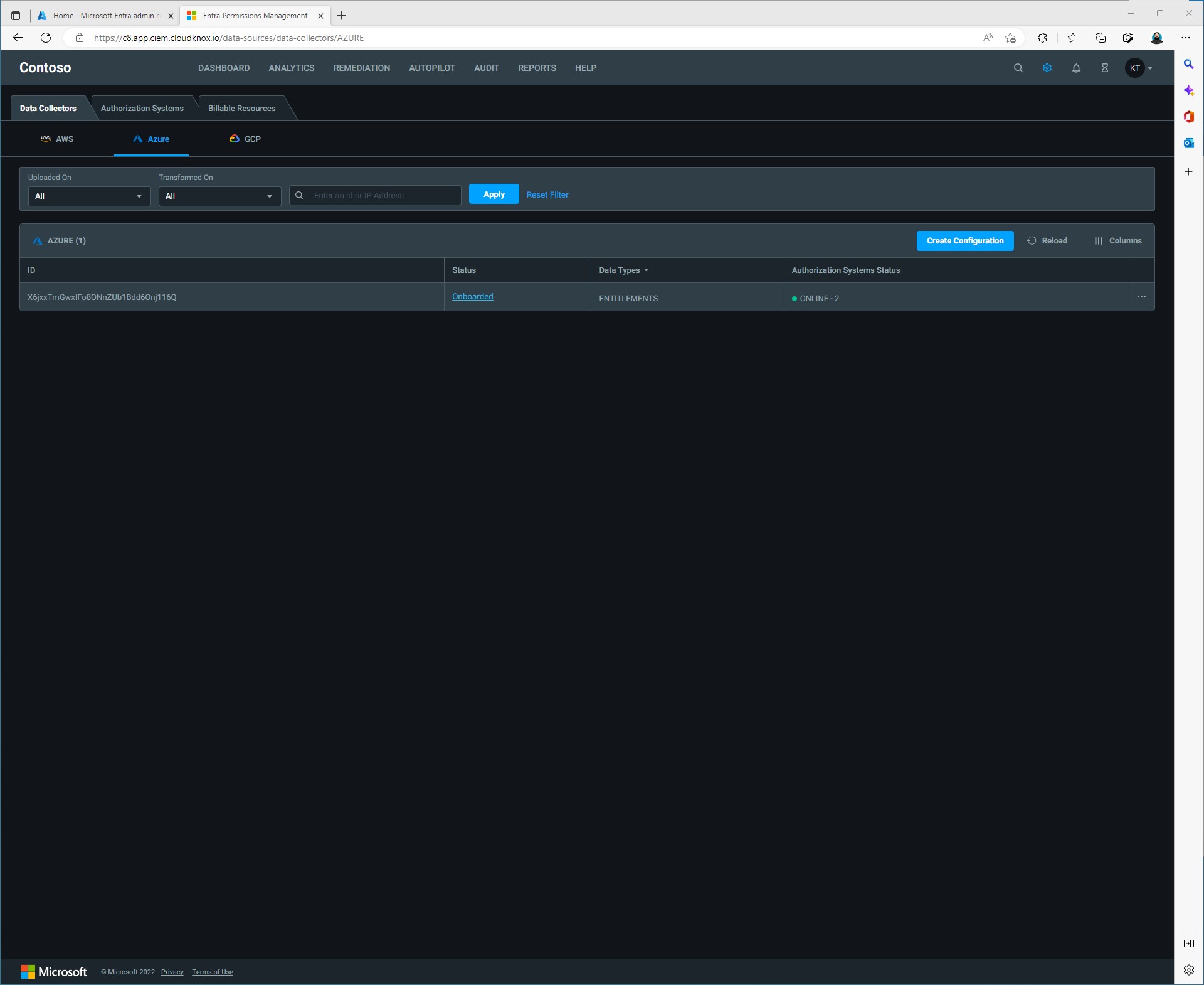
Click the GCP under the Data Collectors tab then click Create Configuration. In the Configure data collection: GCP window we will need information about our Google Cloud project. That information can be found on your Google Cloud Project info dashboard.