Hyper-V

This Week's Hagrid: Carsten Rachfahl

This Week's Hagrid: Carsten Rachfahl

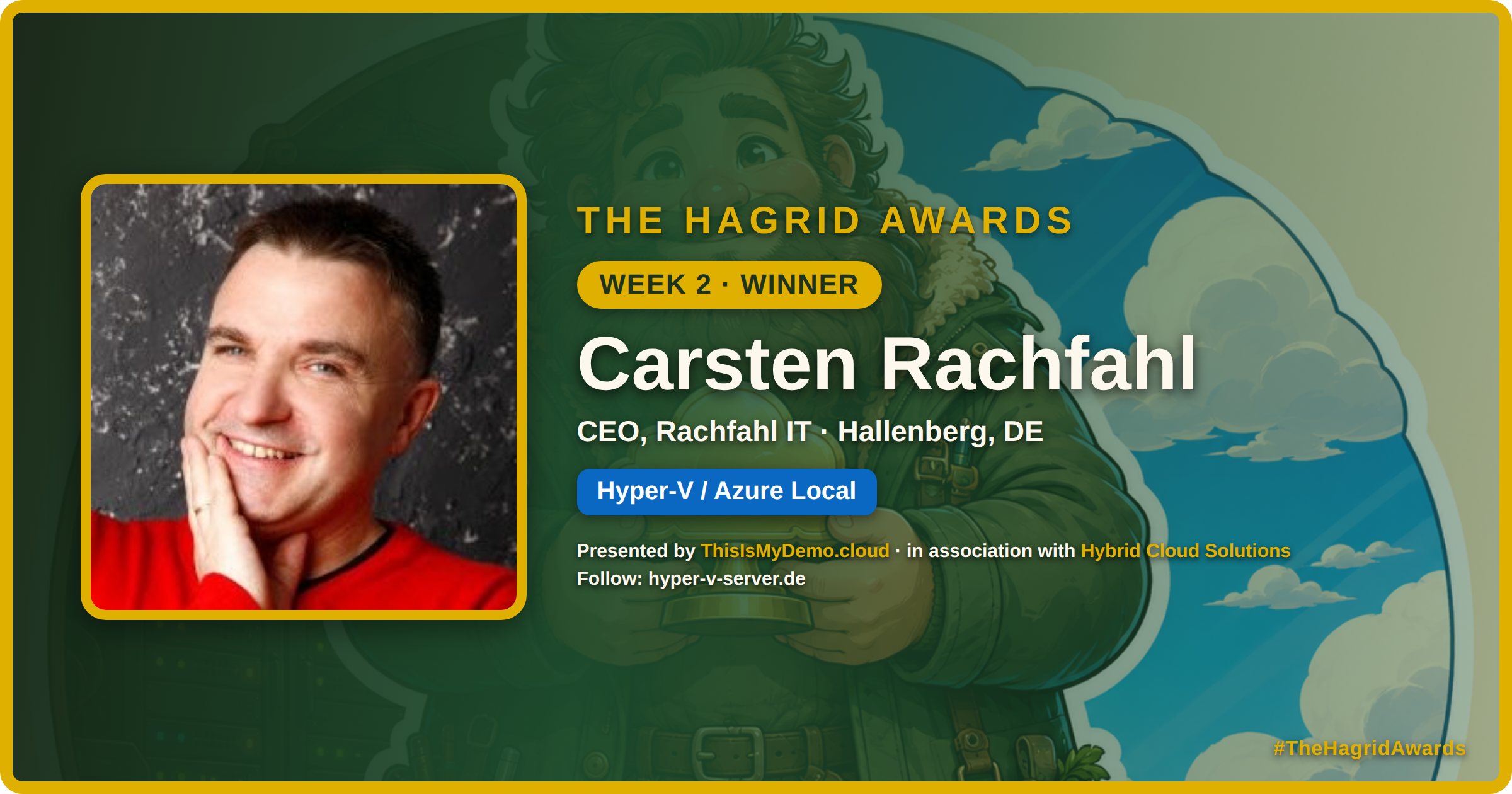
Week 2 of The Hagrid Awards goes to Carsten Rachfahl — a one-person Hyper-V and Azure Local broadcast network, and MVP since 2010.

This week’s Hagrid goes to Carsten Rachfahl.

Carsten has been a pillar of the hybrid community for over a decade — a blog, a YouTube channel, the German Microsoft Virtualisierungs Podcast, and the Hyper-V Amigos. A one-person Azure Local and Hyper-V broadcast network. MVP since 2010.

This Week's Hagrid: Darryl van der Peijl

This Week's Hagrid: Darryl van der Peijl

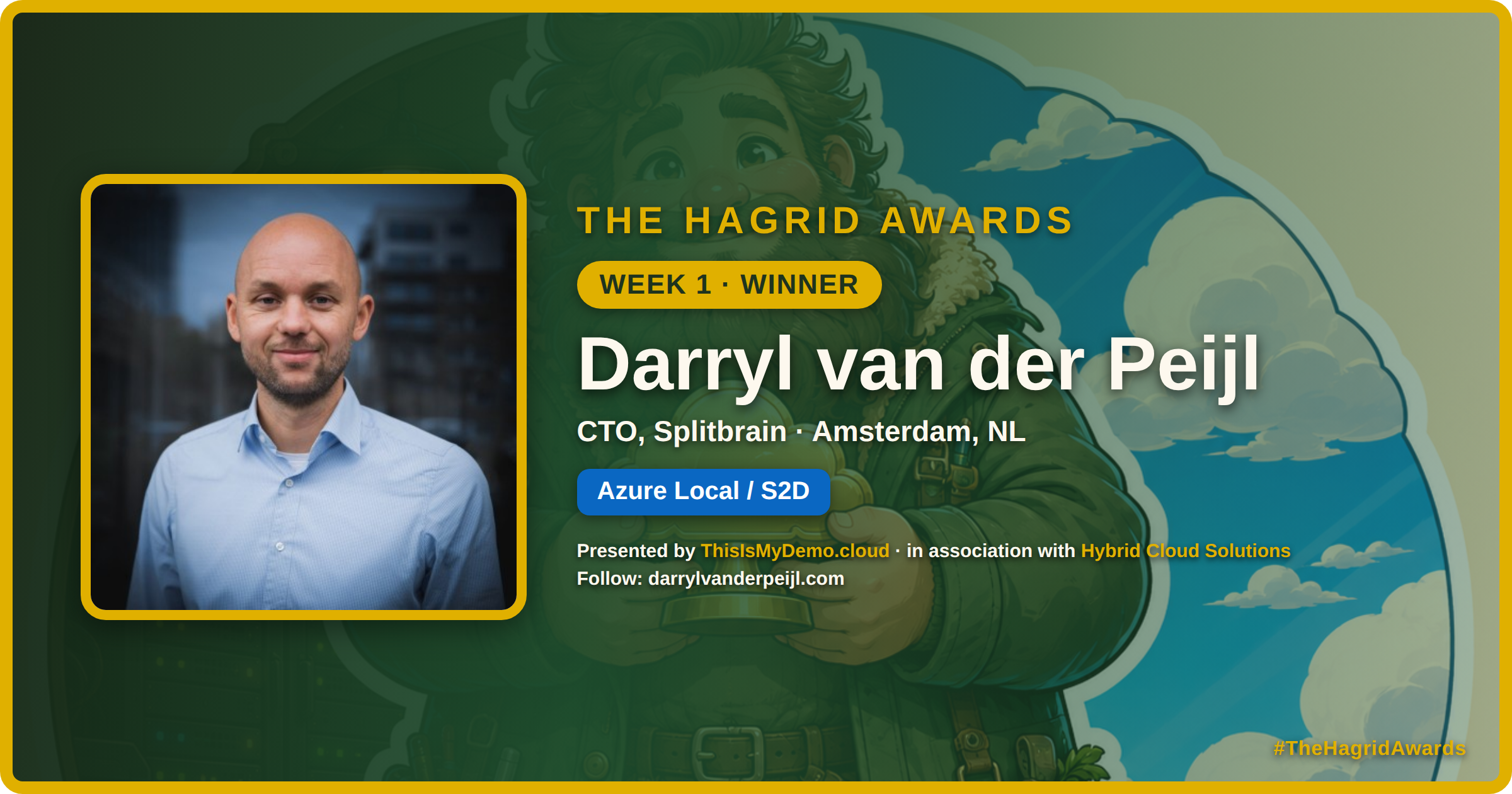
Week 1 of The Hagrid Awards goes to Darryl van der Peijl — the connective tissue of the Azure Local community.

This week’s Hagrid goes to Darryl van der Peijl.

If you run anything Azure Local, you already know Darryl. He runs the community Azure Local Slack and the monthly Azure Local Insider newsletter — the connective tissue of this community, where people share what’s new, what’s broken, and what’s next. He’s a 12x Microsoft MVP and CTO at Splitbrain. He’s also the brains behind the Hybrid Platform Conference — a one-day Azure Local & hybrid cloud event in Amsterdam (Sept 28, 2026 at Hotel Casa), with a free virtual edition to follow.

Introducing The Hagrid Awards: Celebrating the Hybrid Cloud Community

Introducing The Hagrid Awards: Celebrating the Hybrid Cloud Community

A weekly, public thank-you to the people building and sharing in the Azure Local, Hyper-V, and Azure Arc community.

First, about that nickname

If you’ve met me at an event, you already know the beard. And you probably know that somewhere along the way, people in this community started calling me Hagrid. I’ve leaned into it — a big, bearded guy who loves keeping things running on the ground and in the cloud. Honestly, it fits. Hagrid was the Keeper of Keys and Grounds, and that’s basically what we all do in hybrid: keep one foot on-prem and one foot in Azure.

Hyper-V Is Still the Smarter First Choice

Hyper-V Is Still the Smarter First Choice

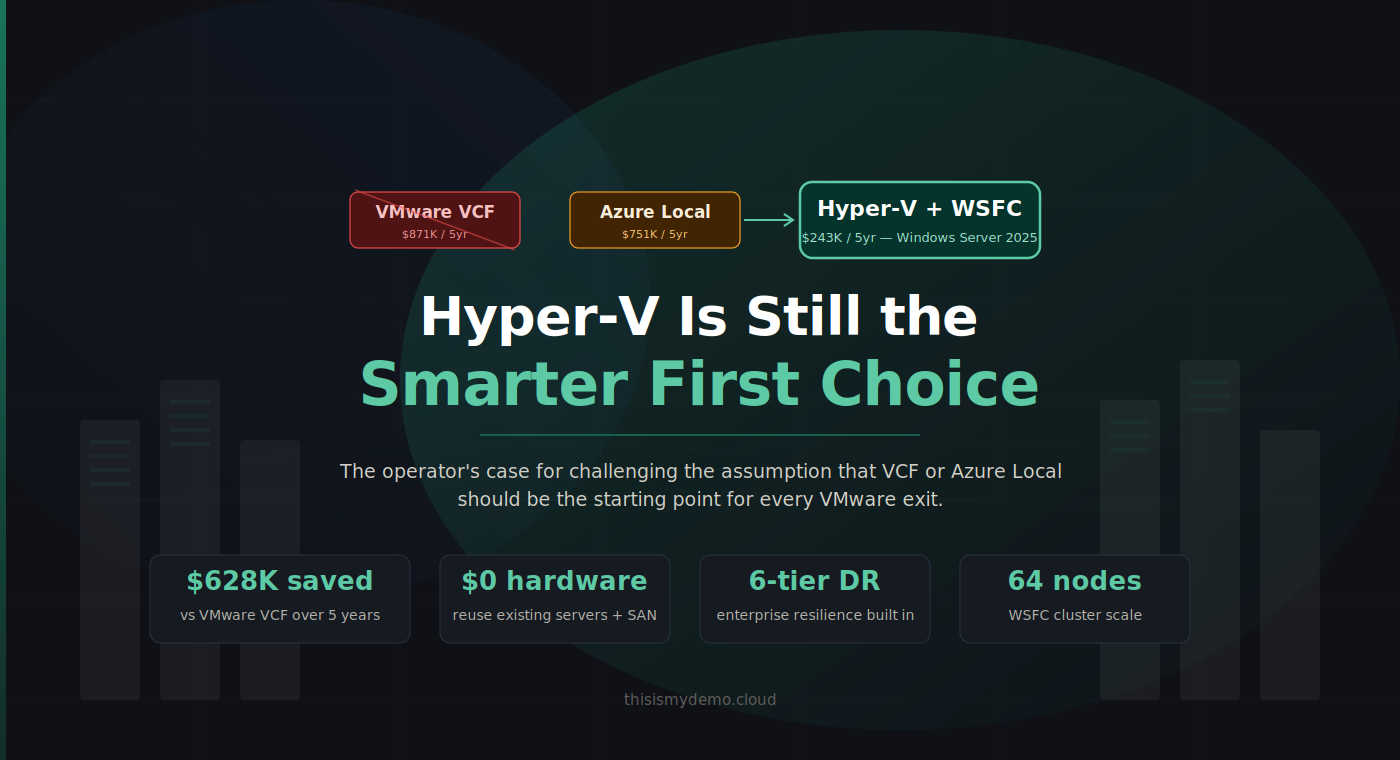
The operator's case for challenging the assumption that VCF or Azure Local should be the starting point for every VMware exit.

Azure Local is not the default VMware exit path. Neither is VMware Cloud Foundation the unquestioned benchmark it was two years ago. And yet the industry keeps framing the VMware exodus as a binary choice: stay and pay, or move to Microsoft’s preferred Azure-connected platform. Both options serve somebody’s agenda. Neither starts from the question that actually matters to infrastructure operators: what do I need, and what’s the cheapest way to get it without creating new dependencies?

What Was Under Your Nose All Along

What Was Under Your Nose All Along

Why Hyper-V Often Fits Better Than VCF 9 or Azure Local

The series started with a simple question: if so many organizations are unhappy with the VMware commercial path they are on, where should they go next?

After twenty posts, the answer is clearer than ever.

For a lot of organizations, the right answer is not “stay where you are and absorb the bill.” It is also not automatically “move to Azure Local because it is Microsoft’s newest answer.” The right answer is often the platform that has been in the rack, in the OS, and in the skill set for years: Hyper-V on Windows Server 2025.

WSFC at Scale

WSFC at Scale

Cluster Sets, Cluster-Aware Updating, and the 64-Node Architecture

A two-node cluster is an architecture decision. A 64-node cluster is a lifestyle choice.

Posts 5 through 8 built your first cluster. Posts 9 through 15 hardened, monitored, secured, and protected it. This post asks the question that comes next: what happens when you need more?

Scaling Hyper-V is also where the economics need to stay honest. The goal is not to recreate every premium reference architecture just because it exists. The goal is to scale a platform that is already cheaper than the VCF path and often more flexible than an Azure Local design that assumes new hardware and a new recurring bill.

Live Migration Internals and Optimization

Live Migration Internals and Optimization

Memory Pre-Copy, RDMA Offload, and What Affects Migration Time

Live migration is the capability that makes Hyper-V clustering genuinely useful. Without it, maintenance means VM downtime. With it, VMs move between hosts transparently , users don’t notice, applications don’t interrupt, connections don’t drop. But “it works” isn’t enough for production. You need to understand how it works, what affects performance, and what Windows Server 2025 changed.

VMware admins know this as vMotion. The Hyper-V equivalent is functionally identical , the VM moves from one host to another while running , but the internal mechanics differ, and the WS2025 improvements are significant.

Multi-Site Resilience

Multi-Site Resilience

Hyper-V Replica, Storage Replica, Campus Clusters, and SAN Replication

Post 13 protects your data with backups. This post protects your services with replication.

Backups recover data , you restore a VM from yesterday’s backup and accept the data loss between the backup and the failure. Replication recovers services , your VMs are already running (or can start within minutes) at a secondary site with near-zero data loss. Production environments need both, and the architecture decisions you make here determine whether a site failure is a business disruption or a page in the runbook.

Backup Strategies for Hyper-V

Backup Strategies for Hyper-V

Veeam, Commvault, Rubrik, HYCU, and the Backup Architecture That Fits

Untested backups aren’t backups. They’re hope.

Every organization says backup is important. Few treat it as an architecture decision. In a Hyper-V environment, the backup solution you choose determines your Recovery Point Objective (how much data you can afford to lose), your Recovery Time Objective (how quickly you can recover), and whether your “backups” actually work when you need them.

This post focuses specifically on data protection and recovery , getting copies of your VMs off the production storage and into a location where you can restore from them. Replication-based DR strategies (Hyper-V Replica, Storage Replica, SAN-level replication) are covered separately in Post 14: Multi-Site Resilience, which complements this post.

Storage Architecture Deep Dive

Storage Architecture Deep Dive

CSV Internals, Tiering Strategies, and the SAN Cost Advantage

Post 6 got your storage connected. This post explains how it actually works , and why the architecture decisions you make here determine whether your Hyper-V cluster performs like an enterprise platform or stumbles under load.

Storage is where the three-tier Hyper-V story gets strongest. Your existing SAN investment , the FlashArrays, the PowerStores, the NetApp filers , carries forward without additional storage licensing. No vSAN subscription. No S2D requiring identical disk configurations on every node. No platform fee just to connect storage you already own. The storage you already operate works with Hyper-V exactly as it worked with VMware: present LUNs, configure MPIO, format volumes, and build around proven operational patterns. The difference is what sits on top of it , and that’s what this post is about.