SAN

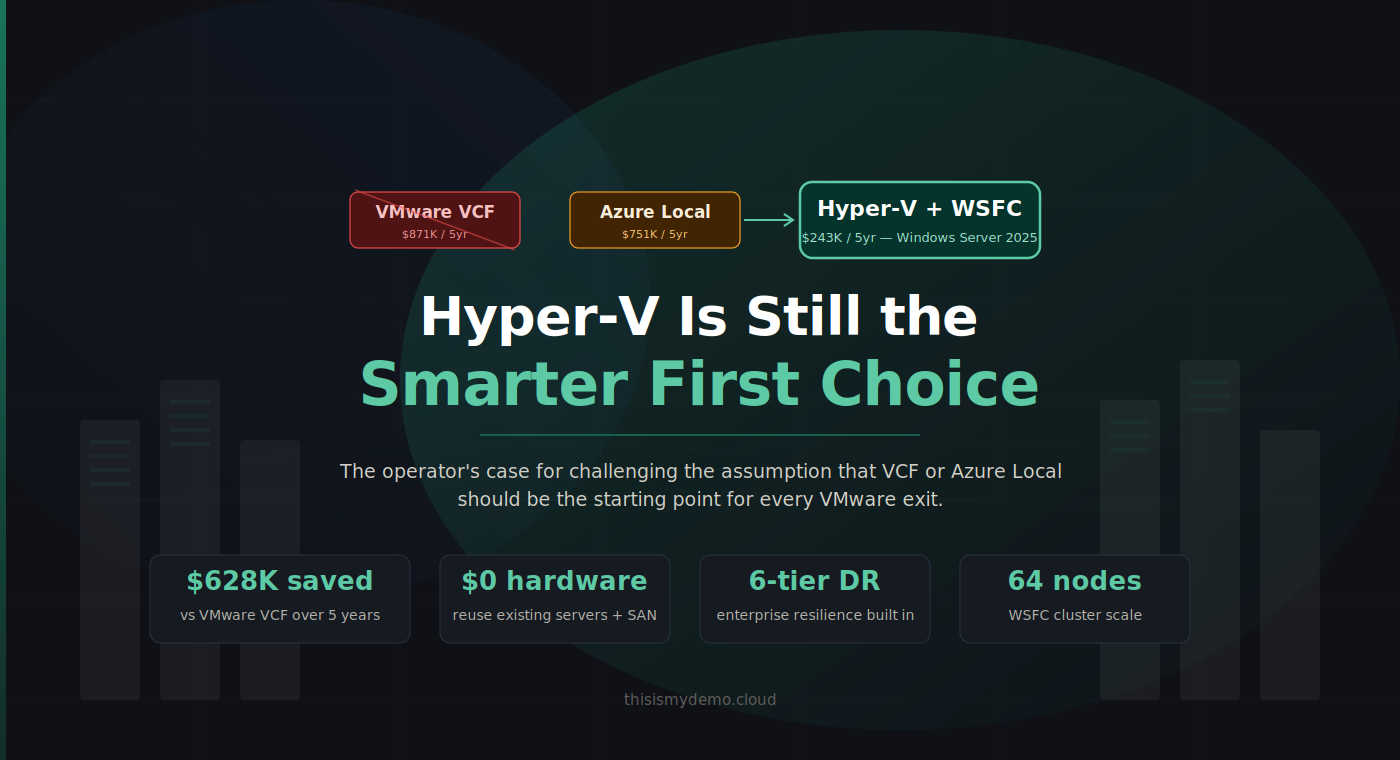
Hyper-V Is Still the Smarter First Choice

Hyper-V Is Still the Smarter First Choice

The operator's case for challenging the assumption that VCF or Azure Local should be the starting point for every VMware exit.

Azure Local is not the default VMware exit path. Neither is VMware Cloud Foundation the unquestioned benchmark it was two years ago. And yet the industry keeps framing the VMware exodus as a binary choice: stay and pay, or move to Microsoft’s preferred Azure-connected platform. Both options serve somebody’s agenda. Neither starts from the question that actually matters to infrastructure operators: what do I need, and what’s the cheapest way to get it without creating new dependencies?

Storage Architecture Deep Dive

Storage Architecture Deep Dive

CSV Internals, Tiering Strategies, and the SAN Cost Advantage

Post 6 got your storage connected. This post explains how it actually works , and why the architecture decisions you make here determine whether your Hyper-V cluster performs like an enterprise platform or stumbles under load.

Storage is where the three-tier Hyper-V story gets strongest. Your existing SAN investment , the FlashArrays, the PowerStores, the NetApp filers , carries forward without additional storage licensing. No vSAN subscription. No S2D requiring identical disk configurations on every node. No platform fee just to connect storage you already own. The storage you already operate works with Hyper-V exactly as it worked with VMware: present LUNs, configure MPIO, format volumes, and build around proven operational patterns. The difference is what sits on top of it , and that’s what this post is about.

Beyond the Cloud: Hardware Considerations - Part III

Beyond the Cloud: Hardware Considerations - Part III

Your VMware exit hardware strategy determines both timeline and budget. Windows Server offers maximum flexibility with existing infrastructure, Azure Local requires validated nodes costing $200K-500K+, and VMware VCF 9.0 deprecates older hardware anyway. This analysis provides a framework for making hardware decisions that fit your organization's timeline and budget constraints.

(Note: AVS – Azure VMware Solution – is not covered in detail here since it’s essentially outsourcing VMware onto Azure’s hardware. That involves a different calculus: you avoid buying hardware entirely, but you pay cloud rental fees and must fit into Azure’s instance constraints. In this post, we focus on on-premises alternatives where you control the hardware.)

Hardware Considerations: Build Your Cloud on Your Terms

Series Recap: In Part 1 of this series, we examined the total cost of ownership (TCO) implications of different post-VMware paths, comparing capital expenditure vs. subscription models across on-premises Hyper-V, Azure Local (formerly Azure Stack HCI), and Azure VMware Solution (AVS). In Part 2, we dove into licensing – analyzing how VMware vSphere licensing stacks up against Microsoft’s offerings (Windows Server and Azure Local) in 2025, and what those licensing differences mean for choosing a virtualization platform. These earlier posts highlighted that organizations leaving VMware have viable Microsoft-based alternatives that can reduce costs and simplify licensing. Now, in Part 3, we turn to the infrastructure question: What are your hardware options when “rethinking virtualization” away from VMware? Can you reuse your existing servers and storage, or are you forced into buying new, validated hardware nodes? How do Microsoft’s two on-premises solutions – Windows Server Hyper-V with Failover Clustering (WSFC) and Azure Local – compare in terms of hardware requirements? We’ll explore scenarios for customers looking to leave VMware, whether they’re not ready for a hardware refresh or planning a refresh alongside the migration, and we’ll also briefly touch on upcoming VMware Cloud Foundation 9.0 hardware needs.